
 Mubasher Murad
How to Undo and Redo in Roblox Studio?
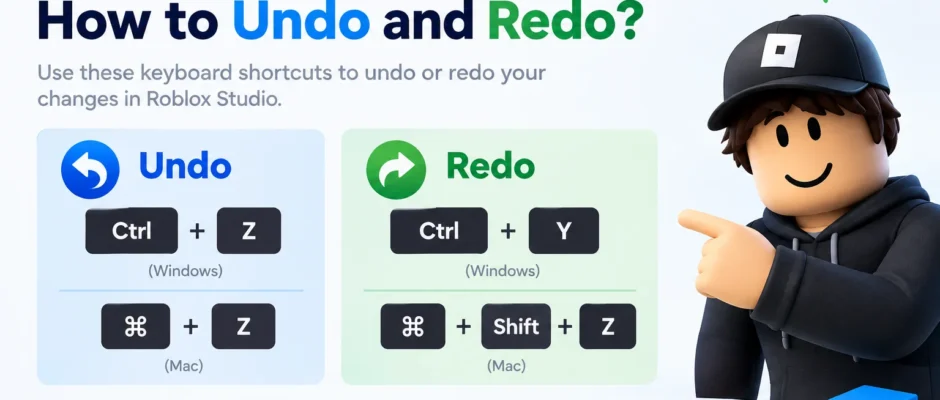
In Roblox Studio, undo is Ctrl + Z for Microsoft Windows or ⌘ + Z for Mac, and redo is Ctrl + Y or Ctrl + Shift + Z for Windows or Shift + ⌘ + Z for Mac. These work the same way whether you’re moving parts in the workspace, editing properties, or writing […]